





Table of Contents
Introduction
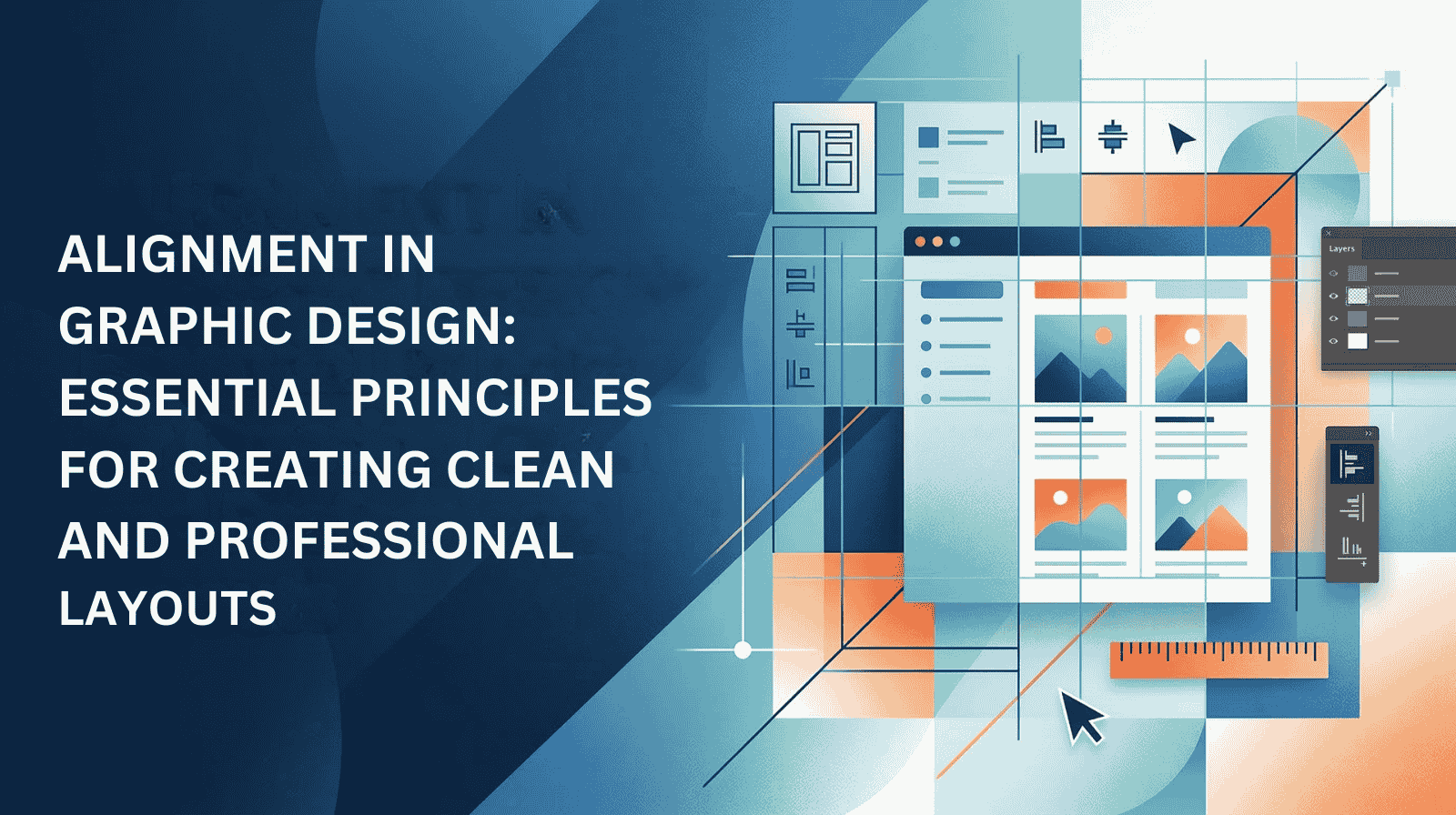
In visual design, structure plays a crucial role in how audiences perceive information. One of the most important fundamentals designers rely on is alignment in graphic design. Alignment helps organize elements so they appear visually connected and balanced across a layout.
Whether designing websites, advertisements, presentations, or social media visuals, understanding graphic design layouts and how alignment works within them allows designers to create polished and professional compositions.
In this guide, we will explore how designers define alignment in graphic design, why it matters, and how proper alignment improves visual communication.
Define Alignment in Graphic Design
To define alignment in graphic design, it refers to arranging visual elements such as text, images, shapes, and icons so that they line up along a common edge or axis.
Alignment creates relationships between design elements and helps establish visual order. When alignment is applied correctly, it guides the viewer’s eye through the layout naturally.
Strong alignment improves readability and helps transform a scattered design into a cohesive one..
Why Alignment Is Important in Graphic Design Layouts
Alignment plays a critical role in creating well-structured graphic design layouts. Without it, designs can appear cluttered and confusing.
Benefits of proper alignment include:
- Improved readability
- Clear visual hierarchy
- Consistent design structure
- Stronger connection between elements
- More professional presentation
When designers achieve good alignment in graphic design, viewers can process information faster and navigate layouts easily.
Key Alignment Principles Designers Should Understand
Left alignment is widely used in editorial and digital design. Text and elements align along the left edge, making it easier for readers to scan information.
Most websites and articles use left alignment because it supports natural reading patterns and improves content clarity.
Right alignment positions elements along the right edge of a layout. While used less frequently, it can create a strong visual contrast when paired with images or asymmetrical layouts.
Designers sometimes use right alignment in promotional graphics and modern compositions. rates.
Center alignment places elements symmetrically along a vertical center line. This style is commonly used for headlines, invitations, and promotional banners.
While center alignment can create elegant visuals, designers must use it carefully because large blocks of centered text may reduce readability.
Technology plays a major role in product development.
Justified alignment distributes text evenly between the left and right margins. This technique is often used in books, magazines, and newspapers.
When applied carefully, justified text creates a formal and structured appearance.
Grid systems are widely used in modern design. A grid allows designers to place elements within a structured framework.
Using grids helps maintain consistency across graphic design layouts and ensures elements align properly across different sections of a page.
Grids are especially useful for websites, magazines, and interface design.
Key Alignment Methods in Graphic Design
Practical Tips to Improve Alignment in Graphic Design
Designers often follow several best practices to maintain good alignment in graphic design.
- Use grid systems to structure layouts
- Align elements with a consistent edge or axis
- Maintain equal spacing between elements
- Avoid mixing too many alignment styles in one design
- Use visual guides and rulers within design software
- Ensure images and text blocks follow the same alignment pattern
Applying these techniques helps create visually balanced and organized designs.
Common Alignment Challenges Designers Face
Even experienced designers sometimes struggle with alignment when creating complex layouts.
Common challenges include:
- Managing multiple elements within limited space
- Maintaining consistency across large designs
- Aligning text with images or graphics
- Adjusting alignment for responsive design layouts
Overcoming these challenges requires attention to detail and a structured design approach.
Tools That Help Designers Maintain Alignment
Modern design software includes features that help designers achieve precise alignment.
Popular tools include:
- Graphic design software with alignment guides
- Layout grid systems
- UI design tools with responsive grids
- Rulers and snapping tools
These tools simplify the process of maintaining alignment across different design projects.
Future Trends in Graphic Design Layouts
Graphic design continues evolving with new tools and design trends.
Future developments include:
- AI-assisted design alignment tools
- Responsive layouts for multiple screen sizes
- Dynamic and adaptive design systems
- Minimalist layouts with structured grids
Understanding alignment fundamentals helps designers adapt to these evolving trends.
Final Thoughts
Alignment is one of the most essential principles in design. By organizing elements within structured graphic design layouts, designers can create visually appealing and easy-to-understand compositions.
When designers apply alignment in graphic design effectively, they improve readability, establish visual hierarchy, and deliver professional results.
Mastering alignment techniques ensures that every design communicates clearly and leaves a lasting impression.
Want professional design solutions that enhance your brand and marketing visuals? Contact us today and let’s create designs that stand out.
Claim your free digital marketing audit.
Stay updated with SunBPO Solutions for the latest trends, insights, and strategies to keep your business ahead of the curve!
Frequently Asked Questions (FAQs)
Why is alignment important in graphic design layouts?
Alignment improves readability, visual hierarchy, and overall design structure.
How do designers define alignment in graphic design?
Designers define alignment as the principle that connects design elements visually through consistent placement.
What tools help maintain alignment in design?
Design software, grid systems, guides, and snapping tools help designers maintain accurate alignment.



0 Comments