





Table of Contents
Introduction
In the ever-evolving world of digital marketing, data-driven decisions are the key to success. Without the right tools, even the best strategies can fall short. This is where Google Search Console becomes essential.
From tracking performance to analyzing Google Console backlinks and monitoring Google Search Console core web vitals, this tool gives marketers deep insights into how their website performs in search results.
If you want to improve visibility, rankings, and traffic, learning how to use Google Search Console tools effectively is a must.
What Is Google Search Console?
Google Search Console is a free platform that helps you monitor and optimize your website’s presence on Google.
It allows you to:
- Track search performance
- Identify indexing issues
- Monitor backlinks
- Analyze website health
- Improve technical SEO
It is one of the most important tools for modern
Why Google Console Matters for Marketers
Using Google Search Console helps businesses:
- Improve search rankings
- Understand keyword performance
- Fix technical issues
- Optimize content
- Enhance user experience
It turns data into actionable insights.
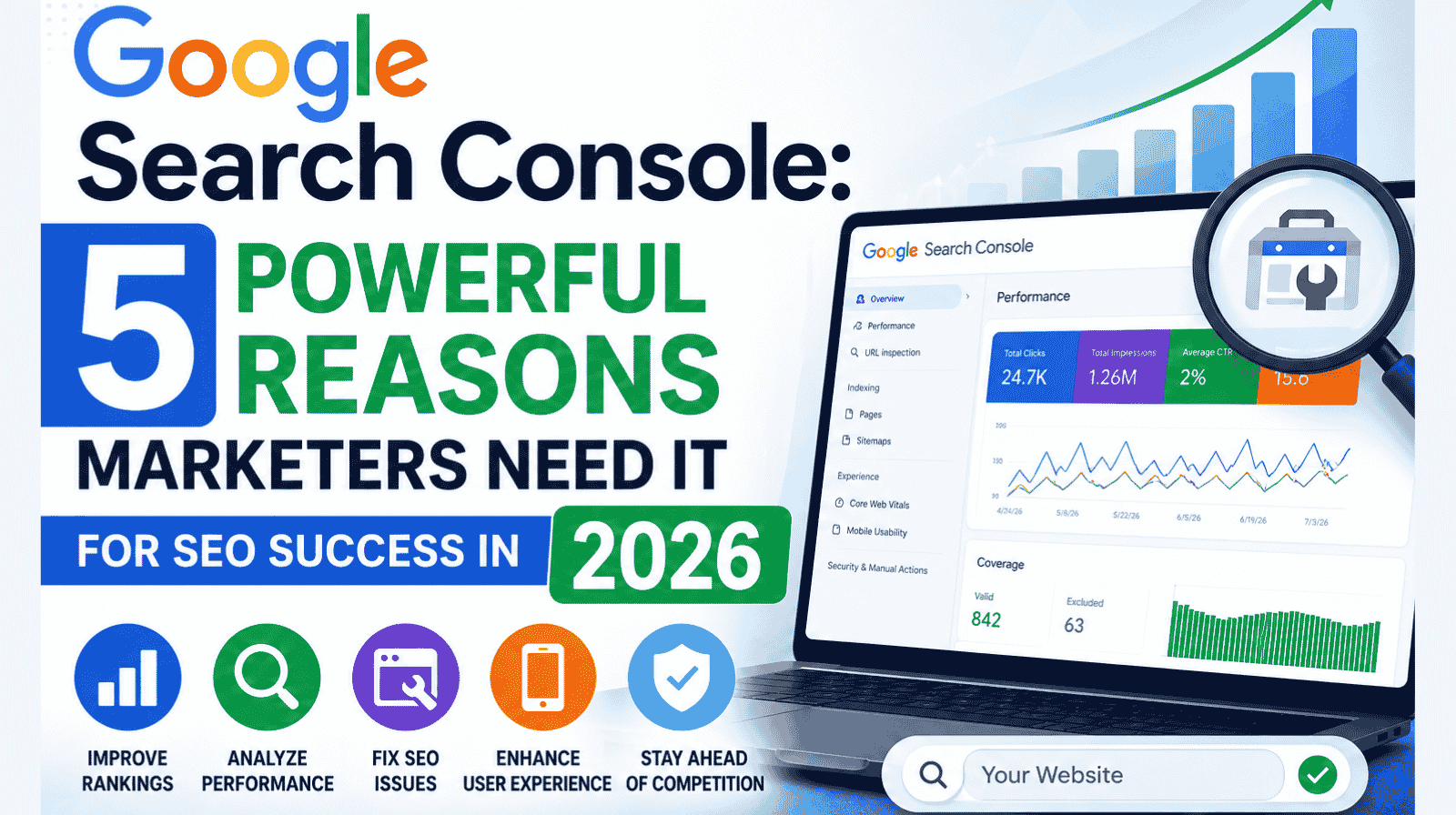
5 Reasons Every Marketer Should Use Google Search Console
Google Search Console provides detailed performance reports.
- Monitor clicks, impressions, and CTR
- Identify top-performing pages
- Analyze keyword trends
This helps refine your SEO strategy.
Keyword insights are essential for growth.
- Identify high-performing queries
- Discover new keyword opportunities
- Improve targeting
This strengthens your SEO approach.
Backlinks are critical for authority.
- Track Google Console backlinks
- Identify linking domains
- Monitor spam links
This helps improve website credibility.
User experience impacts rankings.
- Track Core Web Vitals
- Improve page speed
- Enhance mobile usability
Better experience leads to better performance.
Technical issues can affect rankings.
- Identify crawl errors
- Check indexing status
- Use advanced search console tools
Fixing issues improves visibility.
Google Console Usage Breakdown
Key Features of Search Console
- Performance reports
- URL inspection tool
- Coverage reports
- Core Web Vitals analysis
- Backlink tracking
These features provide complete SEO control.
Common Mistakes to Avoid
Ignoring data insights
Not fixing technical errors
Overlooking backlinks
Ignoring user experience
Not updating content
Avoiding these mistakes improves results.
Tips to Maximize Google Console
- Check reports regularly
- Optimize underperforming pages
- Fix issues quickly
- Monitor backlinks
- Use multiple SEO tools
Consistency drives growth..
Future Trends in SEO & Search Console
SEO continues to evolve.
Key trends include:
- AI-driven search
- Voice search optimization
- Real-time data insights
- User experience signals
- Automation tools
Businesses that adapt will stay ahead.
Final Thoughts
Google Search Console is a must-have tool for any marketer looking to improve SEO performance. From tracking keywords to analyzing Google Search backlinks and optimizing core web vitals, it provides everything needed for growth.
Discover how Google Search Console helps improve SEO through backlinks, core web vitals, and powerful optimization tools.. Using the right Google Search Console tools, businesses can make smarter decisions and achieve long-term success.
Ready to Boost Your Digital Growth and online presence?
Want expert SEO strategies that drive real results? Contact us today and let’s build a powerful growth plan for your business.
Claim your free digital marketing audit.
Stay updated with SunBPO Solutions for the latest trends, insights, and strategies to keep your business ahead of the curve!
Frequently Asked Questions (FAQs)
How do Google Search Console backlinks help SEO?
They show which sites link to you and help improve authority.
What are Google Search Console Core Web Vitals?
They measure page speed, interactivity, and visual stability.
Is Google Search Console free?
Yes, it is completely free to use.



0 Comments