





Table of Contents
Introduction
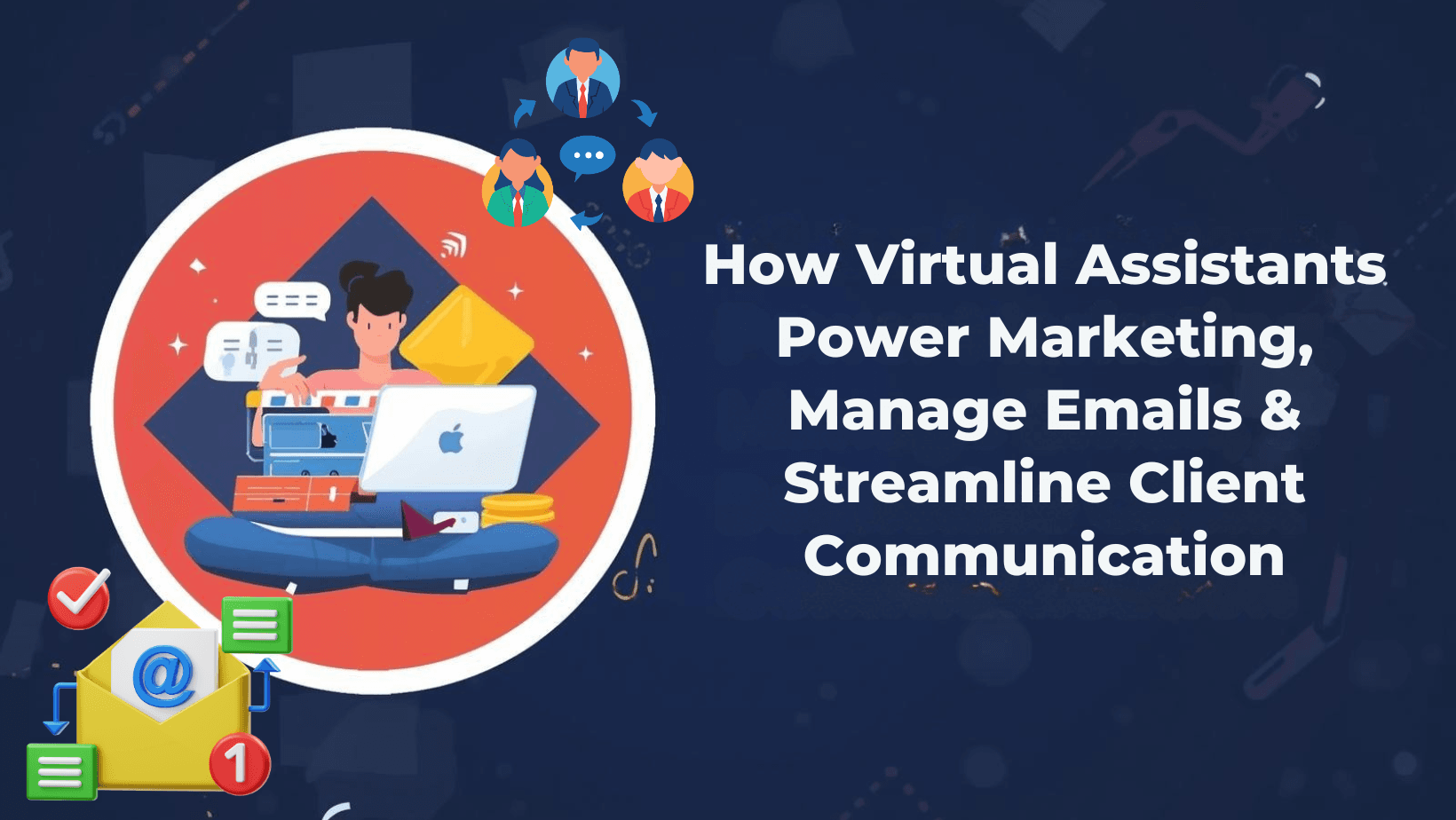
In a digital-first business environment, managing emails, calendars, marketing tasks, and client communication can quickly overwhelm even the most organized teams. This is why virtual assistant marketing services have become a core growth strategy for modern businesses.
From handling inboxes to supporting campaigns, virtual assistants help brands stay responsive, organized, and scalable. In this updated guide, we’ll explore virtual assistant email management, the types of virtual assistants, the tools and platforms they use, and how they drive measurable business growth.
What Is Virtual Assistant Marketing?
Virtual assistant marketing refers to delegating marketing-related operational tasks to skilled remote professionals. These tasks support marketing teams by ensuring smooth execution, consistent communication, and timely follow-ups.
Virtual assistants commonly support:
- Email marketing coordination
- Lead follow-ups and CRM updates
- Social media scheduling support
- Campaign reporting and analytics prep
- Client communication management
By outsourcing these responsibilities, businesses gain efficiency without increasing in-house workload..
Types of Virtual Assistants Businesses Can Hire
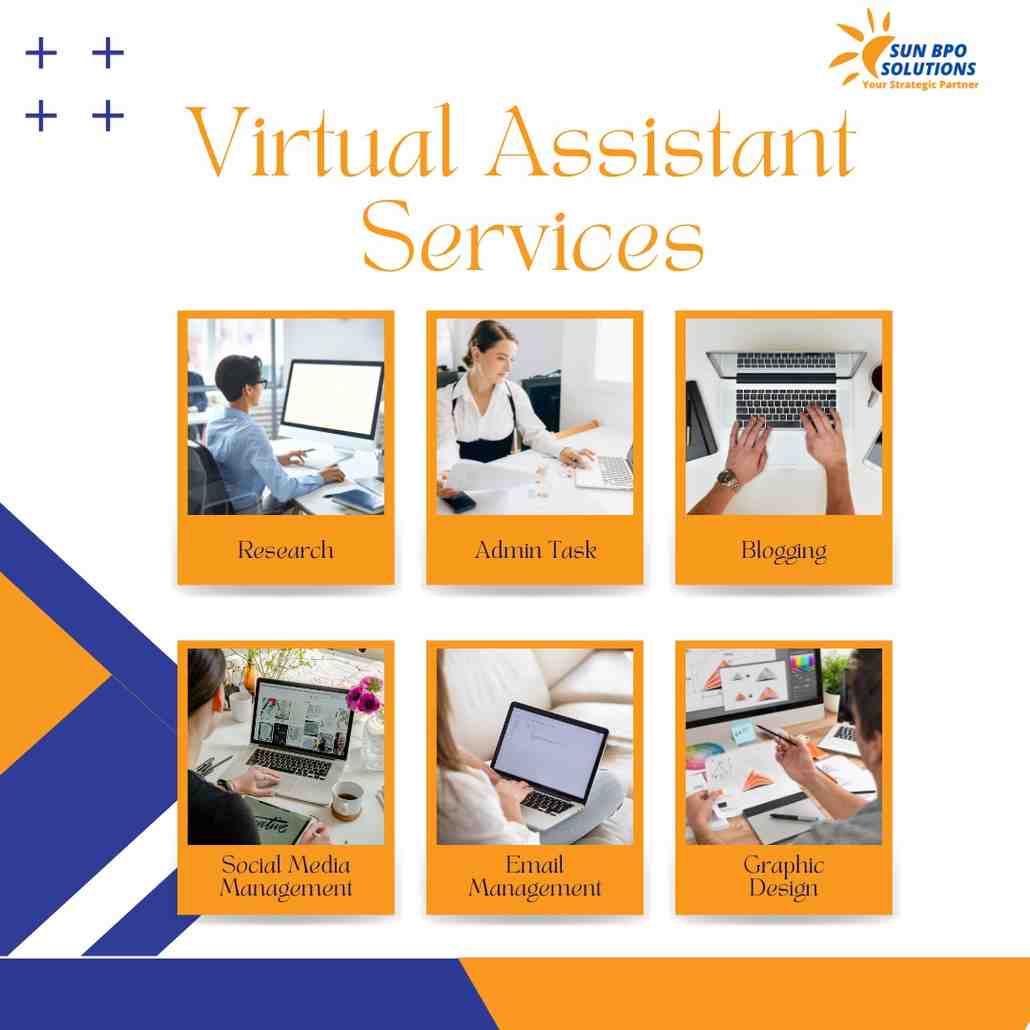
Understanding the types of virtual assistants helps you choose the right support model:
- Administrative Virtual Assistants
Handle emails, calendars, data entry, and documentation. - Marketing Virtual Assistants
Support campaigns, email marketing, lead nurturing, and analytics reporting. - Customer Support Virtual Assistants
Manage client queries, tickets, and ongoing communication. - E-commerce Virtual Assistants
Handle order emails, product uploads, and customer follow-ups. - Executive Virtual Assistants
Manage high-level scheduling, confidential communication, and decision support.
Each type plays a distinct role, but all contribute to smoother operations and better communication.
How Virtual Assistants Manage Effectively
✅Inbox Organization & Prioritization
Virtual assistants start by organizing your inbox into folders, labels, or categories such as:
- Leads & inquiries
- Client communication
- Internal messages
- Newsletters & promotions
This structure ensures urgent emails are handled first while low-priority messages don’t distract you.
Email Filtering & Automation
Using advanced email rules, virtual assistants filter spam, newsletters, and automated messages so your inbox stays clutter-free. High-value emails are flagged, starred, or forwarded instantly.
Drafting & Responding to Emails
A professional VA can:
- Respond to routine inquiries
- Draft replies based on your tone and brand voice
- Handle customer support emails
- Escalate only critical messages to you
This saves hours every week while maintaining consistent communication.
Follow-Ups & Tracking
Missed follow-ups mean missed revenue. Virtual assistants track conversations and ensure:
- Pending threads are closed properly.
- Leads receive timely responses
- Clients are followed up after meetings
Smart Scheduling
Virtual assistants manage your calendar by:
- Scheduling meetings based on availability
- Avoiding double bookings
- Coordinating across time zones
- Sending confirmations and reminders
This is especially valuable for remote teams, global clients, and consultants.
Calendar Optimization
VAs don’t just book meetings — they optimize your time. They block:
- Focus hours
- Breaks
- Admin time
- Travel buffers
This helps you stay productive without burnout.
Meeting Preparation & Coordination
Before each meeting, a virtual assistant can:
- Attach relevant documents
- Share agendas
- Send meeting links
Centralized Communication Management
Clients often communicate through multiple channels — email, forms, chat, or CRM systems. Virtual assistants centralize all communication, ensuring:
- Messages are logged correctly
- No client is ignored
- Responses remain consistent
Relationship Management
A VA maintains strong client relationships by:
- Sending onboarding emails
- Sharing updates and progress reports
- Handling routine queries
- Scheduling follow-up calls
This builds trust and long-term loyalty.
CRM & Communication Tools
Virtual assistants update CRMs with:
- Status updates
- Client details
- Conversation history
Virtual Assistant Services – Workflow Breakdown
Virtual Assistant Tools That Drive Efficiency
Professional virtual assistants rely on proven virtual assistant tools to deliver results, including:
- Email platforms (for inbox and response management)
- Calendar scheduling tools
- CRM systems for client tracking
- Task and workflow management software
- Collaboration and reporting dashboards
The right tools ensure transparency, speed, and accountability across teams. reader first. uses EGD differently, but the objective remains the same: guide behavior and shape experience through design.
Business Benefits of Virtual Assistant Marketing Support
- Faster email response times
- Better lead nurturing and follow-ups
- Organized communication systems
- Reduced operational costs
- Improved customer satisfaction
- Scalable marketing operations
With the right setup, virtual assistants become an extension of your marketing and operations team.
Popular Virtual Assistant Platforms
Businesses can hire skilled professionals through trusted virtual assistant platforms that offer:
- Pre-vetted talent
- Flexible engagement models
- Time-zone compatibility
- Scalable support
Choosing the right platform ensures you get experienced virtual assistants aligned with your business goals
Final Thoughts
From inbox control to marketing support, virtual assistants are no longer a luxury — they are a growth necessity. With the right virtual assistant marketing strategy, businesses improve communication, strengthen client relationships, and scale without chaos.
Ready to Boost Your Digital Growth?
Let expert virtual assistants handle your emails, marketing support, and client communication while you focus on strategy. Contact us today and take the next step toward smarter, scalable growth.
Claim your free digital marketing audit.
Stay updated with SunBPO Solutions for the latest trends, insights, and strategies to keep your business ahead of the curve!
Frequently Asked Questions (FAQs)
How does virtual assistant email management help businesses?
It ensures inbox organization, faster responses, consistent communication, and proper follow-ups—saving time and improving customer experience.
What tools do virtual assistants use?
Virtual assistants use email platforms, calendar tools, CRM systems, task managers, and collaboration software to manage workflows efficiently.
Are virtual assistant platforms reliable for long-term support?
Yes. Reputable virtual assistant platforms provide skilled, scalable, and secure support suitable for long-term business growth.


0 Comments